Visa photos, made on your own phone.
Pick the document, take a picture. MakeVisaPhoto straightens it, replaces the background and crops it to the official millimetres, then checks head height, eye position and lighting. Your photo never leaves your device.
PHOTO EXAMPLES
See the photo quality before you start.
A clean background, centred face and natural expression. These are illustrative portrait samples, not customer submissions or verified visa-compliant photos.
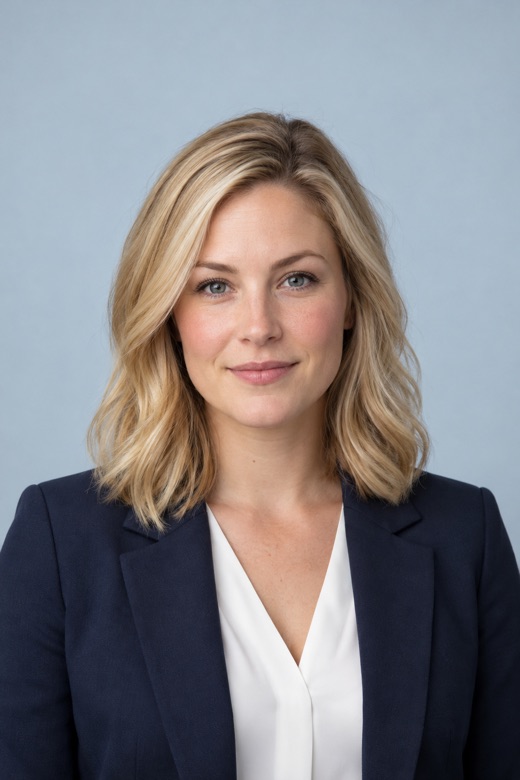
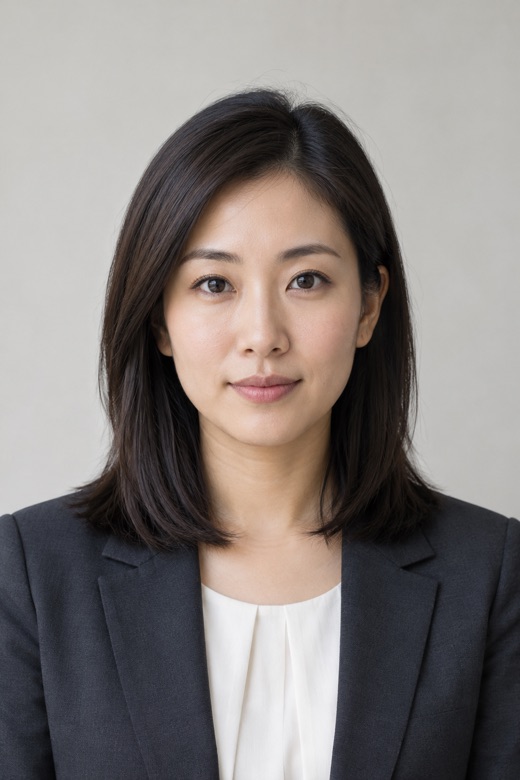
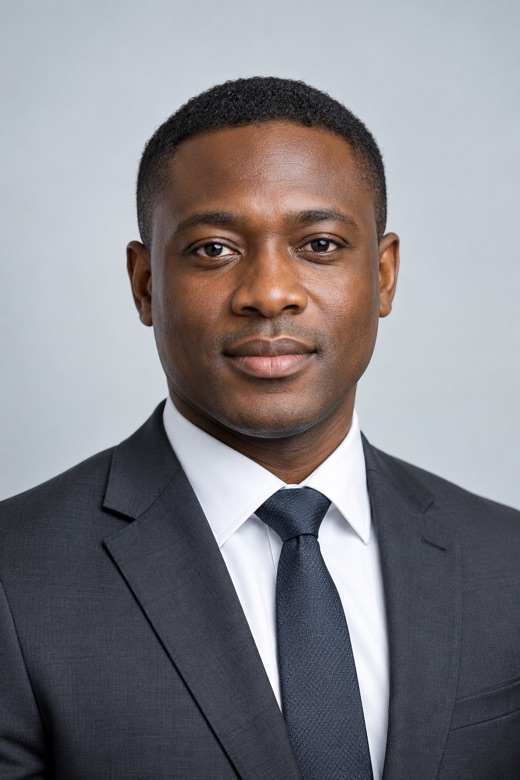
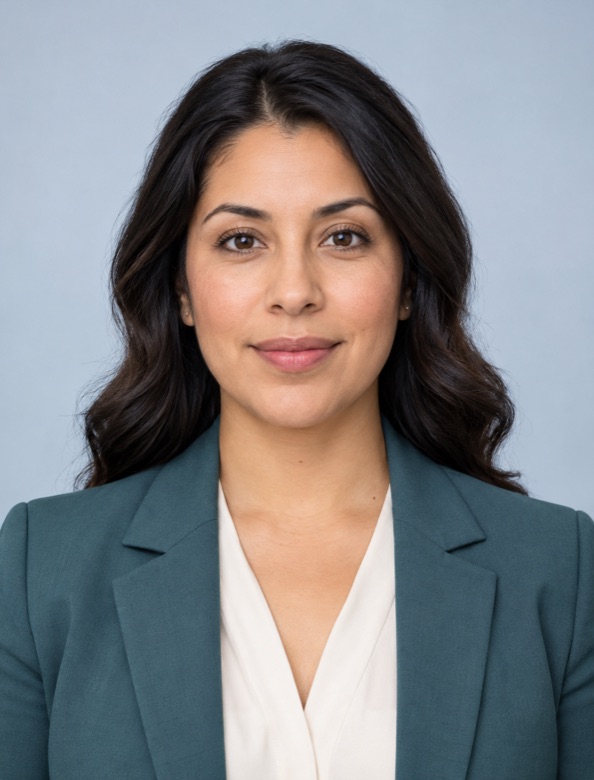
AI-generated fictional model for illustration only — not a customer, employee, endorser or verified visa-compliant photo. Visa and passport rules differ by document; photos must be checked against the selected requirements.
Your photo is never sent to us. There is nowhere to send it.
Face detection, background removal and cropping all run inside your browser. Our server only handles payment and has no way to receive photos.
Your phone or computer
- Choose or take a photo
- Check the file and strip location data
- Find the face, separate the background
- Crop to the spec and run the checks
- Save to your photos or files
Our server
- Order number
- Paid or not
- When the unlock expires
No photos, no names, no card numbers
- Works offline
- Once the page has loaded, turn off your connection and keep going. Try it yourself.
- Files are checked before they open
- Only real JPG, PNG, WebP and HEIC photos are accepted. Renamed files, oversized files and other formats are refused.
- Every download is a new file
- Saved photos are rebuilt from pixels, so the location, camera details and anything hidden in the original are left behind.
- Card details go to Stripe only
- You pay on Stripe’s page. We never see your card number, and Stripe never sees your photo.
Done in three steps
Choose the document
Visa, passport or a standard size. Each one lists the official size, head height and background rules.
Take or choose a photo
Face the camera in even light. MakeVisaPhoto straightens it, switches to an allowed background and crops to the right head height.
Review the checks and save
Head height, eye position, tilt, closed eyes and uneven lighting are checked one by one. Pay when you are happy, then save the photo, a digital version or a print sheet.
Supported documents
Checked against official sources in October 2026. Documents marked “No editing” keep their original background — MakeVisaPhoto only crops and checks them.
| Document | Size | Head height | Background | Replace background |
|---|---|---|---|---|
| Schengen visa | 35 × 45 mm | 32–36 mm | White / light | Yes |
| US visa | 51 × 51 mm | 25–35 mm | White / off-white | With care |
| China visa | 33 × 48 mm | 28–33 mm | White | Yes |
| Thailand visa | 35 × 45 mm | 32–36 mm | White | Yes |
| Vietnam visa | 40 × 60 mm | 32–38 mm | White | Yes |
| Indonesia visa | 35 × 45 mm | 27–34 mm | White / red | Yes |
| Dutch passport / ID | 35 × 45 mm | 26–30 mm | Light grey / light blue / white | No editing |
| UK passport | 35 × 45 mm | 29–34 mm | Light grey / cream | No editing |
| Canadian passport | 50 × 70 mm | 31–36 mm | White / light | Studio only |
| Chinese passport | 33 × 48 mm | 28–33 mm | White | With care |
| 1-inch / 2-inch | 25 × 35 / 35 × 49 mm | — | White / blue / red | Yes |
Make it free. Pay when it’s right.
Every feature is free to use, with a watermark on the preview. After paying, save every document size as often as you like for 24 hours.
€5.99per set
- Full-resolution JPG with the correct dpi, so prints come out the right size
- Digital versions sized to each visa site’s pixel and KB limits
- 4×6 inch print sheet, ready for any photo printer
- Switch documents or backgrounds within 24 hours at no extra cost
Cards, iDEAL and more, handled by Stripe
Questions
Will my photo definitely be accepted?
The checks measure against the official millimetre requirements and catch most common problems, such as a head that is too small, a cut-off crown, tilt or uneven lighting. The issuing office makes the final decision. Some countries only accept studio photos, and the document notes say so.
Is my photo really never uploaded? How can I tell?
Load the page, switch off your internet connection, then make your photo. Everything still works. If you are technical, open your browser’s developer tools: the Network panel shows no requests while your photo is processed.
Why can’t I replace the background for Dutch and UK passports?
Both governments state that passport photos must not be edited by software, and replacing the background counts as editing. Take the photo against a plain light grey or white wall; MakeVisaPhoto crops it to the right size and checks the head height.
What if I switch devices after paying?
The unlock is stored in the browser you paid with. After paying, use “Copy recovery link” and send the link to yourself. Opening it on another device unlocks it there until the 24 hours are up.
Can I get a refund?
If the checks show your photo cannot meet the requirements and you have not saved it, contact us within 24 hours for a refund.